There are two ways to let software produce a chart. It can generate drawing code, or it can produce a description that a renderer you control turns into a picture. The second is less impressive in a demo and it is the only one that can be versioned, reviewed, and safely written by an assistant.
What a chart actually is here
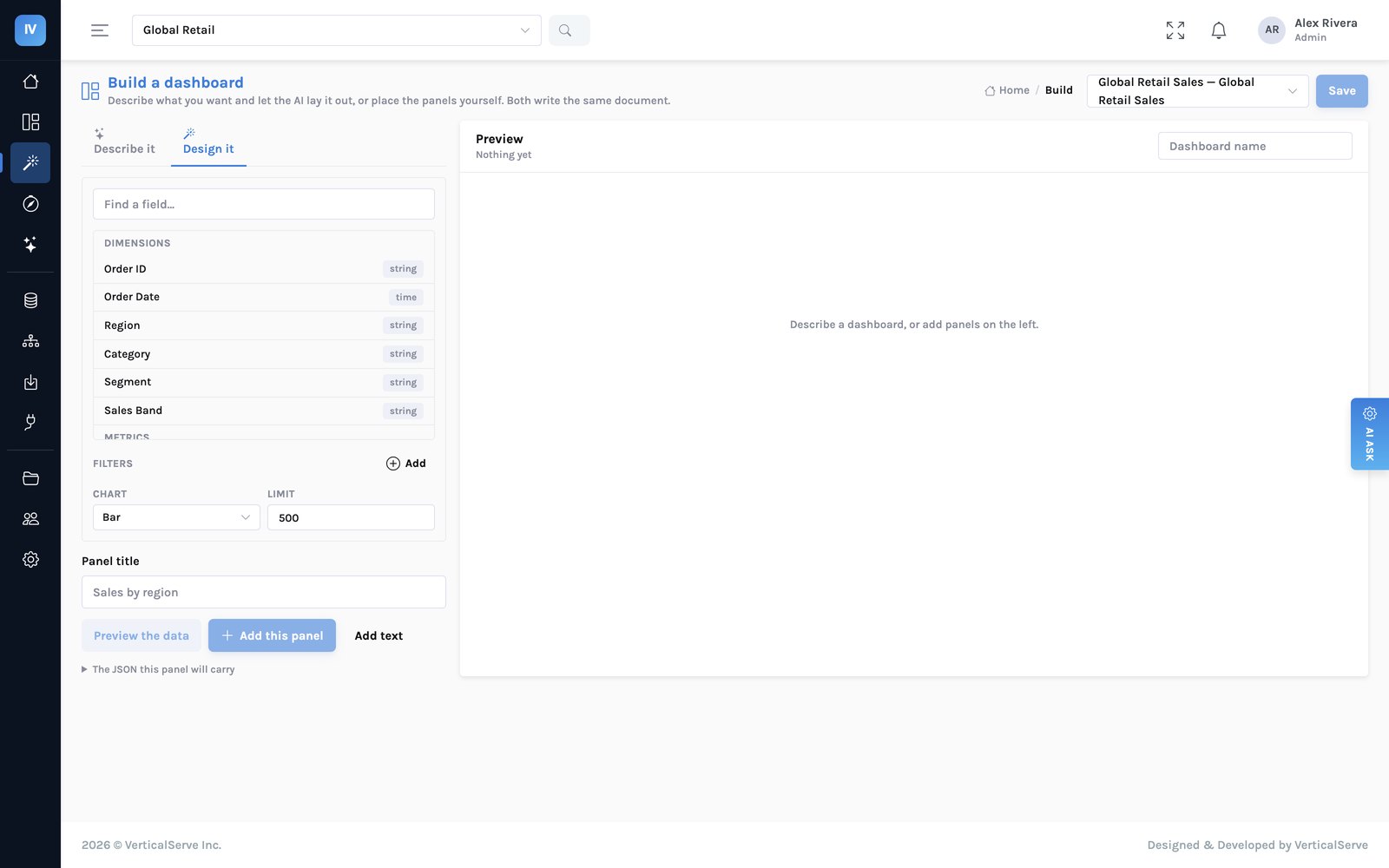
An object with a handful of fields: the type, what goes on each axis, what the colours mean, and a few display choices. That is the whole surface.
| Field | What it says | Example |
|---|---|---|
type | bar, line, area, scatter, pie, table, kpi, map | "bar" |
x | Which dimension runs along the axis | "region" |
y | Which metric or metrics are measured | ["net_revenue"] |
series | The dimension that becomes colour, if any | "category" |
stacked / horizontal | Display choices the renderer honours | true |
Nothing in there is code. The console draws it with the product's own palette, spacing and accessibility rules, which means every chart in the estate is consistent without anyone enforcing a style guide.
Impressive in a demo. It is software that runs in your browser, produced fresh each time, impossible to diff meaningfully, and it can be inconsistent with every other chart in the estate — or subtly wrong in ways nobody reviews.
A few fields, validated against the model. Diffable, reviewable, versioned with the dashboard, and rendered by the same code path as every other chart, so it cannot be inconsistent.
If an assistant can write arbitrary drawing code into your dashboard, you have accepted a code review process you are not running.
What this buys
- A chart change is a one-line diff. Swapping a metric is visible in review, the way a config change is. Why the whole dashboard is a document →
- The assistant is bounded here too. It can choose a type and an encoding from a fixed set. It cannot invent a visualisation, and it cannot produce something that renders differently from a hand-built panel.
- Rendering improvements are retroactive. Fix the colour handling once and every chart ever made gets it, including ones imported from Tableau three years earlier.
- Imported charts are the same objects. A Tableau sheet becomes one of these, which is why an imported panel can be edited by hand or extended by the assistant like any other.
The colours are computed, not chosen
A categorical palette has to survive colour-vision deficiency, print, and a filter that changes how many series are on screen. Three rules the renderer applies that nobody has to remember:
| Rule | Why |
|---|---|
| Hues are assigned in a fixed order, never cycled | A ninth series is not a generated colour. It folds into an “other” group or the chart becomes small multiples. |
| Colour follows the entity, not its rank | Filtering out one region must not repaint the survivors. A reader who learned that West is blue keeps that. |
| Two or more series always get a legend | Identity is never carried by colour alone, and up to four series are also labelled directly. |
Sequential scales are one hue, light to dark, for magnitude. Diverging scales are two hues with a neutral midpoint, for polarity. Never a rainbow, and never a hue at the midpoint of a diverging scale — both make a reader infer structure that is not in the data.
An imported dashboard keeps its own colours by default
People recognise a dashboard by its colours before they read the title. A migration that repaints everything feels like a new tool even when every number matches, so the workbook's own per-member assignments carry across, with a switch to adopt the product palette when the team is ready.
The part people argue with: no dual-axis chart
Two measures on two different y-scales in one frame. Every BI tool has it, most estates use it, and it is not implemented here on purpose.
The reason is that a dual axis lets the author choose where the two lines cross. Slide one scale and a relationship appears; slide it the other way and the relationship inverts. Nothing in the chart tells the reader that the crossing point was a formatting decision.
flowchart LR
    D["Two measures,
different scales"] --> Q{"What is the
reader meant
to conclude?"}
    Q -->|"compare their shapes"| I["Index both to 100
at a common base"]
    Q -->|"read each one's level"| T["Two charts,
shared x-axis"]
    Q -->|"see the relationship"| S["A scatter plot —
which is what
you actually meant"]
    style I fill:#e6f7f2,stroke:#9fd8c9
    style T fill:#e6f7f2,stroke:#9fd8c9
    style S fill:#e6f7f2,stroke:#9fd8c9
Rows one and two are the same data and the same chart type, and they support opposite conclusions. The only difference is a number the author typed into an axis setting, and nothing on the chart tells the reader it was typed.
Two charts stacked with a shared x-axis reads better in almost every case, and a scatter plot is usually what someone means when they reach for a dual axis to show a relationship. The constraint costs an author thirty seconds and saves a reader from a conclusion the data does not support.
A bug this design caught
An area chart with two metrics was being drawn stacked, so a “sales and profit” panel put a band at sales plus profit and invited the reader to take the top edge as a total. Because stacking is a rule in one renderer rather than a property of generated code, the fix was one condition — stack only when the bands are members of a dimension — and it corrected every such chart in every dashboard at once.
quadrantChart
    title Choosing a form for two measures
    x-axis "Different scales" --> "Comparable scales"
    y-axis "Show each level" --> "Show the relationship"
    quadrant-1 "One chart, shared axis"
    quadrant-2 "Scatter plot"
    quadrant-3 "Two charts, shared x"
    quadrant-4 "Index to a common base"
    "Revenue vs complaints": [0.22, 0.74]
    "Revenue vs margin %": [0.8, 0.3]
    "Sales vs profit": [0.18, 0.28]
What the constraint costs
It is a real trade and worth naming honestly.
- Some Tableau sheets will not come across exactly. A dual-axis sheet imports as two panels, and the fidelity report says so rather than approximating it.
- Pixel-perfect crosstabs are not the strength here. If your requirement is a financial statement reproduced to the millimetre, that is a document-generation job and you should say so during evaluation.
- Custom shapes and bespoke marks are not supported. Sometimes a domain genuinely needs an unusual mark, and this is a gap rather than a principle.
- New chart types arrive slowly, because each has to compose with drill, cross-filter, policies, export and the palette rules.
The test for any BI tool
Ask to see what a chart is when it is saved. If the answer is a screenshot of the editor, or an opaque blob, then nobody can review a change to it, an assistant cannot safely write one, and a rendering improvement will never reach the charts you already have.
The same argument for the whole dashboard → · What a Tableau sheet becomes →