The deployment is a container, an object store and a Postgres database on every cloud. What genuinely differs between them is which of that cloud's data can be read live rather than copied, and on Azure the answer is unusually clear-cut.
Status, stated up front
AWS is the deployment we run in production. Azure is supported by the code — the storage layer speaks Azure Blob natively and the connectors cover the Microsoft data estate — but we have not run it in production ourselves. Treat the operational detail below as a design rather than a runbook, and talk to us before you commit a date to it.
What runs where
| Piece | On Azure | Notes |
|---|---|---|
| The API | Azure Container Apps, or AKS if you already run one | One container, 1 vCPU / 4 GB. The query engine is embedded, so this is the whole compute tier. |
| The extracts | Azure Blob Storage, private container | Parquet, read through DuckDB’s azure extension. Set a lifecycle rule to expire old extract versions. |
| The metadata | Azure Database for PostgreSQL | Models, dashboards, versions, access policies, audit log. |
| The console and site | Static Web Apps, or Blob + Front Door | No server for the front end. |
| Identity | Microsoft Entra ID | The natural fit, and roles come from your directory. |
| Credentials | Managed identity, via the default credential chain | No storage keys in configuration. |
The engine opens an extract by creating a DuckDB secret of type AZURE with
PROVIDER CREDENTIAL_CHAIN, which resolves to the container's managed identity.
Scope that identity to the extracts container and nothing else.
xychart-beta horizontal
    title "Synapse dedicated pool, GBP per month"
    x-axis ["Before", "After"]
    y-axis "GBP per month" 0 --> 5200
    bar [4900, 2450]
The Microsoft warehouse story, plainly
The engine can attach some databases and read them without copying. The attach paths are PostgreSQL, MySQL and Redshift — which means, on Azure:
| Azure data source | Live query | What actually happens |
|---|---|---|
| Azure SQL Database | Extract only | No attach path for the SQL Server wire protocol. Streamed into Parquet on refresh. |
| Azure Synapse Analytics | Extract only | Same — it is SQL Server underneath as far as the driver is concerned. |
| Microsoft Fabric / OneLake | Extract only | Read as a source on refresh. |
| Azure Database for PostgreSQL | Yes — attached read-only | The one Azure database that attaches natively. |
| Azure Database for MySQL | Yes | Attached read-only. |
| Azure Blob (Parquet, CSV) | Effectively | Read directly. A Blob-backed datasource is already the native shape. |
| Apache Iceberg on Blob | Yes | Scanned by metadata location; never cached, because the catalogue decides what “now” means. |
| Databricks on Azure | Extract only | Live Databricks needs a passthrough we have not built. |
If your estate is Synapse and Azure SQL — which is most Microsoft estates — you are extracting. Plan the refresh cadence deliberately rather than discovering it after go-live.
The reporting latency improvement was expected. The ETL overruns disappearing was not, and it was worth more to the operations team than the money — three or four mornings a month where the overnight load had not finished before people arrived.
Why extract-first is usually the right answer anyway
It reads like a constraint. In practice it is the architecture most reporting estates should have chosen regardless, for a reason that has nothing to do with any product:
Every dashboard open is warehouse compute. A busy morning of readers is a busy morning of billable DWU, competing with the loads and transformations that earn money.
A governed, aggregated copy in Parquet. Dashboards read a few megabytes of columnar data and never touch Synapse. Your warehouse bill usually goes down after the migration.
flowchart LR
    SY["Synapse / Azure SQL"] -->|"scheduled refresh"| EX["Extract
Parquet in Blob"]
    EX --> API["The API
Container Apps"]
    API --> D["Dashboards"]
    API --> E["Explore"]
    API --> A["Ask"]
    SY -.->|"never on a
dashboard open"| D
    style EX fill:#eef1ff,stroke:#c7cdf2
    style SY fill:#f7f8fb,stroke:#d8dbe8
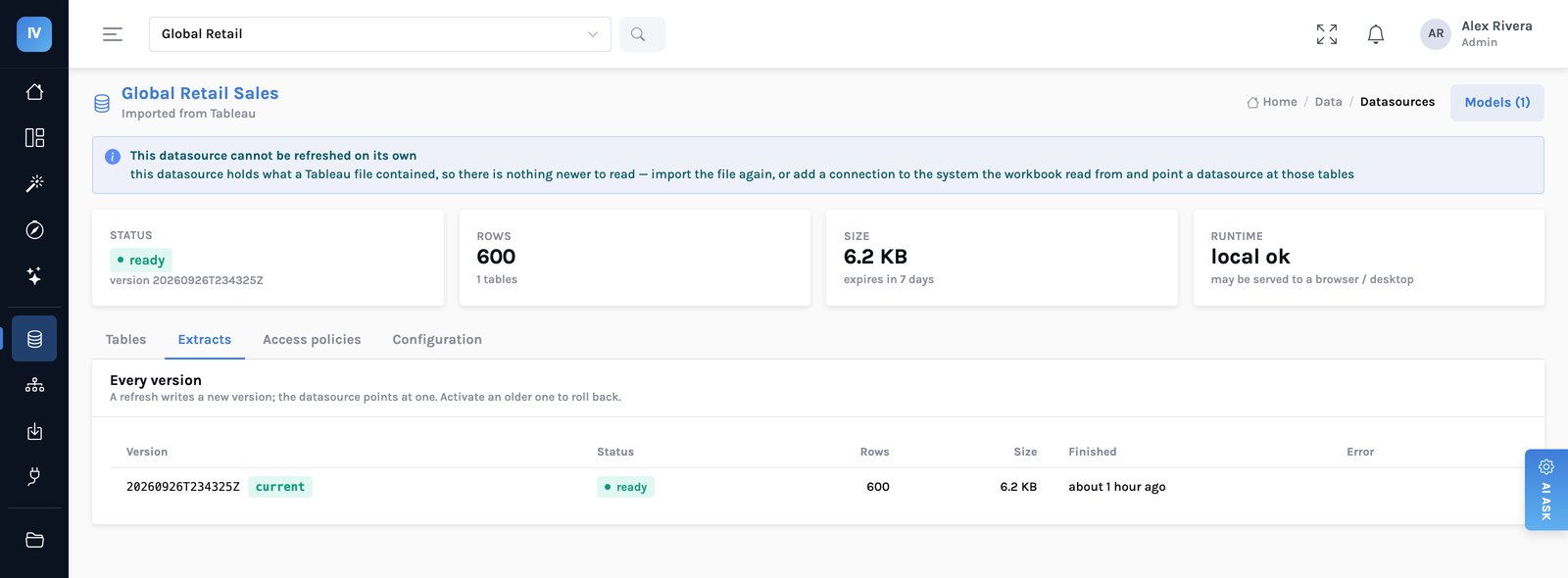
The trade is a staleness budget. An extract is as current as its last refresh, and that should be a visible, owned setting rather than something buried. For most reporting the budget is hours; for an operational screen that must be current to the second, use one of the two databases that attach live and accept that it will be slower.
Entra ID, and where roles come from
Sign-in goes through Entra, and roles come from your directory rather than being maintained twice. That matters more than it sounds for the thing Azure customers usually ask about next: when someone changes team, their group membership changes and their access follows.
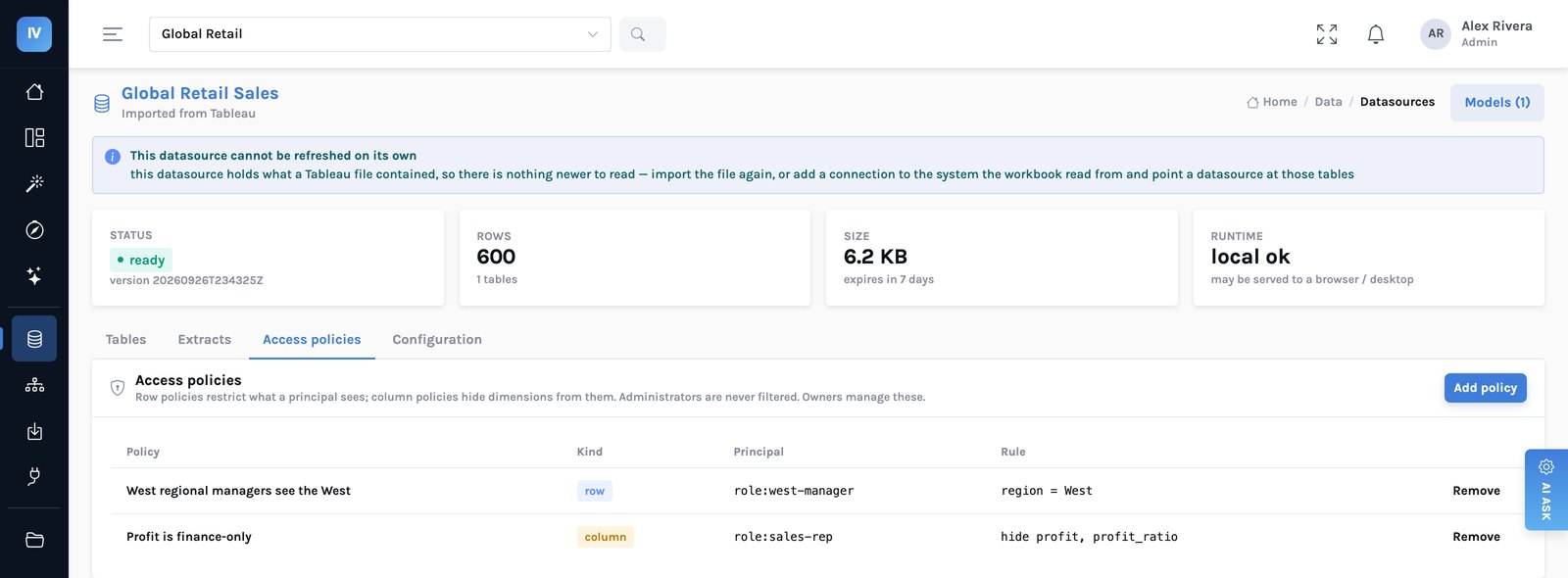
What does not come from Entra is which rows they see. That is a row policy on the datasource, keyed on a principal — a role or a person — and applied inside the query on every path.
What it costs
| Component | Shape | Rough monthly |
|---|---|---|
| Container Apps | 1 replica, 1 vCPU / 4 GB, always on | ~$35–50 |
| Blob Storage | Aggregated Parquet, usually low gigabytes | ~$1–5 |
| Static Web Apps / Front Door | Console and site | ~$0–20 |
| PostgreSQL flexible server | Burstable, small | ~$15–50 |
| Per reader | — | Nothing |
Three things to get right on Azure
- Put a lifecycle rule on the extracts container on day one. Every refresh writes a new version and keeps the last. That is the rollback story, and without a rule it is also an unbounded storage bill.
- Scope the managed identity to the container, not the account. The API never needs to enumerate storage accounts and should not be able to.
- Decide the refresh cadence per datasource, with the business. “Nightly” is a decision, not a default. The people reading the dashboard should know how old the numbers can be, and the product tells them — a panel painted from a stored result says so on screen.
What we have not proven
- We have not run this in production. The code paths for Azure Blob are real and exercised; the surrounding Azure deployment is a design. Ask us for a proof of concept rather than a date.
- No Fabric-native integration. OneLake is read as a source on refresh. There is no shortcut or direct-lake path.
- Power BI import is not built. The report layer is readable JSON; the model needs the XMLA endpoint, which needs Premium. If your estate is Power BI rather than Tableau, talk to us before assuming a migration path exists.
The reference deployment, on AWS → · Running across more than one →