Ask why a dashboard is slow and the answer is almost always “the warehouse”. Sometimes that is true. Often the query itself is a small part of the wait, and the rest is structural — decisions about how a page asks for its data that nobody revisits because they are invisible.
Here is where the time actually goes on a page with eight panels, and what can be done about each part.
| Where the time goes | Typical share | What it is |
|---|---|---|
| Waiting for a query per panel | Large | Eight panels, eight round trips, several of them asking near-identical questions. |
| The query itself | Varies wildly | A scan over the underlying data. On an aggregated extract, often milliseconds. On a live warehouse, often the whole wait. |
| Per-request overhead | Larger than expected | Auth, model load, policy lookup, and a database write per panel for the audit log. |
| Nothing on screen at all | All of it, to the reader | The page is blank until the slowest panel returns. Perceived time is the only time a reader experiences. |
34 milliseconds of engine time on a page that took 2.27 seconds. Any amount of query tuning would have found nothing, because the query was never the problem. The single biggest win was noticing that each panel was opening its own database transaction to write an audit row.
That is the general lesson and it generalises beyond this product: profile the page, not the query. On a page of small aggregates the query is frequently a rounding error, and the instinct to optimise it is the instinct to look where the light is.
1. Stop asking the same question repeatedly
A row of KPI cards is one SELECT. Total sales, total profit and profit ratio
over the same period, with the same filters, differ only in which measure they name. Run
them as three panels and you ask the warehouse the same question three times and pay for it
three times.
InsightViz pools them. Panels whose queries differ only in their metrics — same model, same dimensions, same filters, same ordering — are merged into one query, and each panel is handed back only its own columns. Nothing else in the system knows it happened: the chart builder, the export and the cache all behave as before.
flowchart LR
    subgraph before["Four panels, four queries"]
        P1["Total sales"] --> Q1[("query")]
        P2["Total profit"] --> Q2[("query")]
        P3["Profit ratio"] --> Q3[("query")]
        P4["Orders"] --> Q4[("query")]
    end
    subgraph after["Four panels, one query"]
        R1["Total sales"] --> QQ[("one query
four measures")]
        R2["Total profit"] --> QQ
        R3["Profit ratio"] --> QQ
        R4["Orders"] --> QQ
    end
    style QQ fill:#e6f7f2,stroke:#9fd8c9
What deliberately does not get pooled
A panel with its own drill state, because drilling changes the query for that panel alone. A panel targeted by a cross-filter click its neighbours did not get, because half a WHERE clause is not a smaller answer — it is a wrong one. And a top-ten ordered by a metric, because top ten by revenue and top ten by margin are different ten rows. Each of those costs one query and changes no number, which is the right trade.
2. Show the last known numbers while you fetch new ones
A dashboard that shows nothing for two seconds and then everything feels slower than one that shows last night's figures immediately and swaps them a moment later. Perceived time is the only time the reader experiences.
So each panel's last result is kept, and the page asks for two things at once: whatever is already stored, and the truth. Whichever lands first gets painted.
sequenceDiagram
    participant R as Reader
    participant P as The page
    participant S as Server
    R->>P: opens the dashboard
    P->>S: give me what you already have
    P->>S: and run it fresh
    S-->>P: stored numbers (marked stale)
    P-->>R: full dashboard, with a line saying these are not current
    S-->>P: fresh numbers
    P-->>R: numbers swap in, the line disappears
The honesty matters more than the speed. Anything served from the store is marked stale and carries the time it was computed, and the page says so above the panels. An old number that looks current is worse than a blank panel — that is the failure mode this feature could easily have introduced, so it is designed against explicitly.
How the stored result stays safe
The key covers which source it was, the exact SQL, and the bound values — and a person's row and column rules are already part of that SQL. Two people with different access therefore compute different keys and can never be served each other's numbers. A new extract version also changes the key, so a refresh cannot serve yesterday's rows.
3. The overhead nobody profiles
Here is the finding that is worth more than either feature above, and it is slightly embarrassing. On a test dashboard with eight panels, the query engine accounted for 34 milliseconds in total. The page took 2.27 seconds.
The gap was almost entirely per-panel bookkeeping — in particular a separate database transaction to write the audit log for each panel. Batching those into one transaction per page took it to 0.67 seconds without touching a single query.
Measured on an eight-panel dashboard over a 600-row local extract — deliberately the least favourable case for caching, because there is almost nothing to cache away. The point is the ratio, not the absolute numbers: on this page the engine was never the problem, and any amount of query tuning would have found nothing.
Before optimising the query, measure how much of the wait is the query. On a page of small aggregates, it is often a rounding error.
Why the extract is doing most of the work
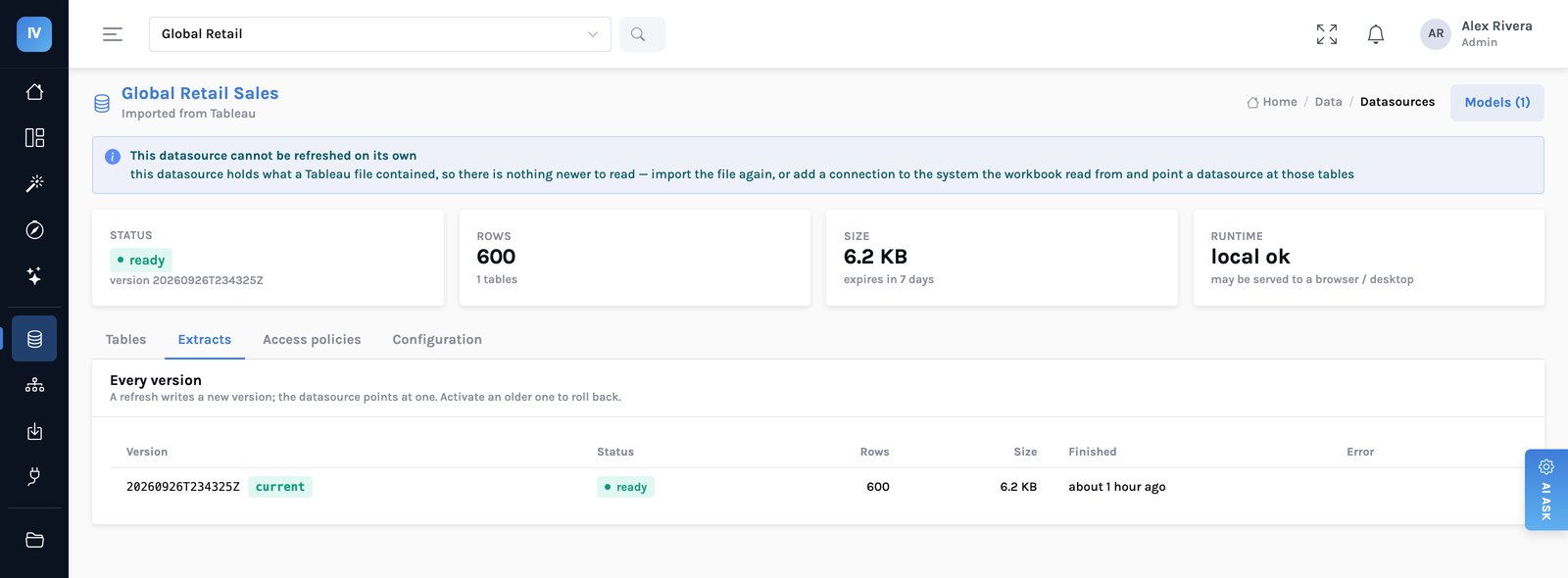
None of the above would matter much if every panel hit the source warehouse directly. The reason engine time is measured in milliseconds is that a dashboard reads a governed, aggregated copy in your own cloud storage — columnar Parquet, read by an embedded engine, with only the needed columns and row groups touched.
The limits, plainly
- None of this speeds up a slow source. On a live connection, the connection decides. Pooling still cuts the number of round trips, and painting from the store still fills the page immediately, but a query that takes nine seconds in your warehouse takes nine seconds here.
- An extract is a copy, with a staleness budget. That is the right default for reporting and the wrong one for an operational screen that must be current to the second. Live connections exist for that case, and they are honest about being slower.
- Pooling helps rows of similar panels most. A dashboard of eight genuinely different questions pools nothing, and should not.
What to measure on your own estate
- Time the page, not the query. The number that matters is from click to last panel painted, and it is usually much larger than the sum of the query times.
- Count the round trips. Open the network panel. If a page of twelve tiles makes twelve requests, several of them are asking the same question.
- Check what happens in the first 500 ms. If it is a blank rectangle, that is the cheapest second you will ever recover.