Whoever signs the BI purchase is rarely the person who gets paged about it. This is for the second person: what you are actually agreeing to operate, and what the failure modes look like when they arrive.
What you are running
flowchart LR
    CDN["Static console + site
CDN, no server"] --> API
    API["One container
1 vCPU / 4 GB"] --> PG[("Postgres
small, transactional")]
    API --> OBJ[("Object storage
Parquet extracts")]
    API -.->|"on refresh only"| SRC["Your warehouses"]
    style API fill:#eef1ff,stroke:#c7cdf2
    style OBJ fill:#eef1ff,stroke:#c7cdf2
| Component | What it holds | If it is down |
|---|---|---|
| The container | The API and the embedded query engine. | Dashboards do not load. Nothing is lost; restart it. |
| Postgres | Models, dashboards and versions, access policies, audit log. | Nothing works, and this is the thing you restore from backup. |
| Object storage | Parquet extracts, versioned. | Dashboards fail; data is re-creatable by refreshing from source. |
| Static console | The front end. | Serve from the CDN's cache, or redeploy a directory of files. |
That is the shape of operating this: the alert was worth having, the response was to read one page, and nothing needed doing at 02:14. Reporting is not a tier-one service and building it like one produces pages nobody should have answered.
What to back up
Postgres. That is the answer, and it is small.
The extracts are derived data — if you lost the bucket entirely you would refresh from source and be back, having lost only the history of old versions. The container is an image. The console is a build artefact. The only thing that cannot be regenerated is the metadata: the models people argued over, the dashboards they built, the access policies, and the audit log.
Test the restore, not the backup
The database is small enough that a restore drill takes minutes, which removes every excuse for not doing one. Restore into a scratch environment, point a container at it, and confirm a dashboard loads. If you have never done this, you have a backup and not a recovery plan.
What to watch
Four signals. Anything beyond these is usually noise for a service of this shape.
| Signal | Why | What it usually means |
|---|---|---|
| Container health endpoint | The whole compute tier is one process. | Restart. If it recurs, read the log — it is almost always a dependency or a config value. |
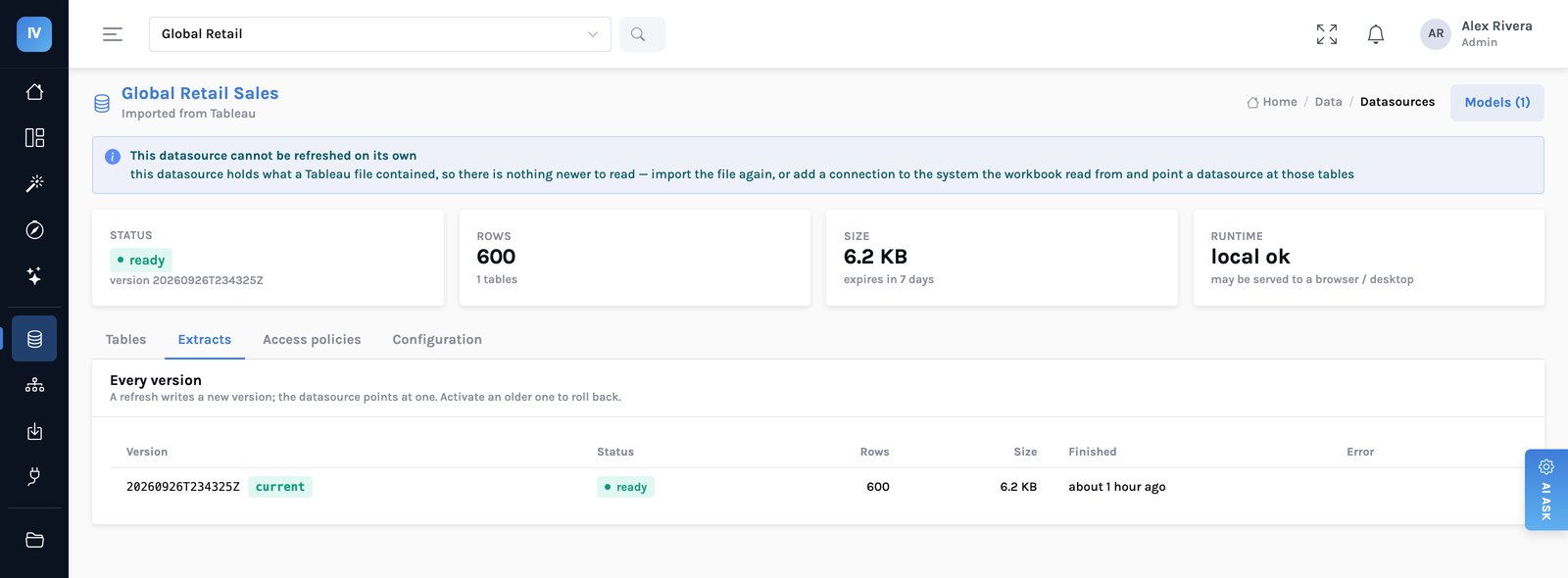
| Refresh failures, by datasource | A silently failing refresh is a dashboard quietly serving old numbers. | The one alert that genuinely matters |
| Extract storage growth | Versions accumulate by design; that is the rollback story. | Your lifecycle rule is missing or too generous. |
| Postgres connections and size | Small and transactional. Growth is usually the audit log. | Consider a retention policy on the log — and decide it with whoever answers to auditors. |
The only alert worth waking someone for is a refresh that has failed repeatedly, because that is the one failure that is invisible to users while actively misleading them.
Refreshes back off on repeated failure rather than retrying in a tight loop, so a source that is down overnight does not produce a thousand log lines and a thousand connection attempts. It produces a datasource in a failed state with its reason attached, which is what someone should see in the morning.
Upgrades
A new container image and a rolling restart. Schema migrations run at start, and they run forward only — which is a deliberate constraint and worth knowing about.
There is no coordinator to drain, no worker fleet to roll, no version skew between components to reason about. The container is the deployment.
Container orchestrators revert a deployment whose tasks will not start, and some report success while doing it. Check the running revision against the one you registered, not just that the service is stable. We shipped nothing for several hours once because of exactly this.
Scaling, and what actually forces it
One container with 4 GB serves a few hundred readers, because a dashboard panel reads a few megabytes of columnar data and most panels paint from a stored result while fresh numbers are fetched. Two things force a bigger container, and neither is reader count:
- Large refreshes. Extracting a wide table streams through the process. This is the memory-hungry operation. If you are sizing for anything, size for your largest refresh.
- Live queries against a slow source. The container holds the connection while the warehouse thinks. Concurrency is bounded by the warehouse, not by you.
Adding replicas helps the second and does nothing for the first. Measure which one you have before scaling, because the instinct is backwards here.
Security questions you will be asked
| Question | Answer |
|---|---|
| Where does the data live? | Your object storage, your account, Parquet. Nothing is held by a vendor. |
| What credentials does the service hold? | Warehouse connection details, encrypted and never displayed after entry. Object storage uses the platform credential chain — a task role or managed identity, not a key in config. |
| Does it need inbound internet access? | No. The container sits behind a load balancer with no public address. |
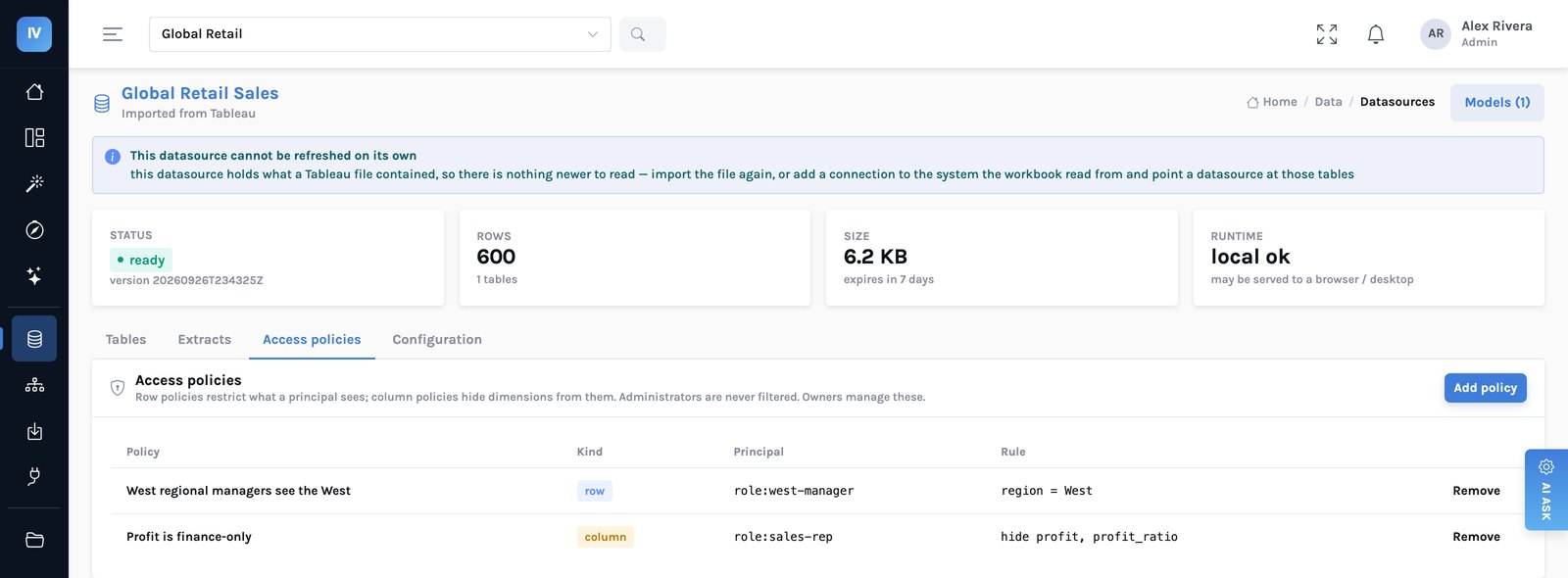
| How is row-level security enforced? | Compiled into the query, on every path — dashboard, export, API, AI answer. The mechanism → |
| What is logged? | Every query with its person, row count, duration — including refusals. Refusals are the part auditors ask about. |
| Can data leave the server? | Only if you allow it per datasource, and never for anyone a row or column policy applies to. Mark sensitive datasets server-only. |
What we would not claim
- This is not a high-availability design as deployed. Single region, single container in the reference deployment. Adequate for reporting; if your BI is tier-one, say so during evaluation and plan for more.
- Migrations are forward-only. A rollback to a previous image across a schema change is not supported. Restore the database if you truly need to go back.
- No CodePipeline is wired up. The build project exists; deployment runs from CI you provide.
- Incremental refresh by partition is unfinished. Today a refresh rewrites the extract, which is the thing to know when sizing your largest table.
The honest summary
This is a small service. One process, one database worth backing up, one alert worth configuring. The operational burden is closer to an internal web application than to a BI platform, and that is the point — the complexity that usually lives in a reporting cluster has been moved into a library that runs inside the process.
The reference deployment in detail → · Who owns the access rules →