The data steward role usually arrives after an incident. Someone saw something they should not have, or an auditor asked a question nobody could answer, and the organisation decides that access to reporting needs an owner.
The first month is then spent discovering that the current state is not a policy. It is the residue of several hundred individual decisions, most made in a hurry, none written down.
Three findings in that month are worth generalising, because they recur.
sankey-beta
600 dashboards,23 datasources,600
23 datasources,Sensitive: needs a row policy,3
23 datasources,Open: no policy needed,20
1. Rules belong on the data, not the artefacts
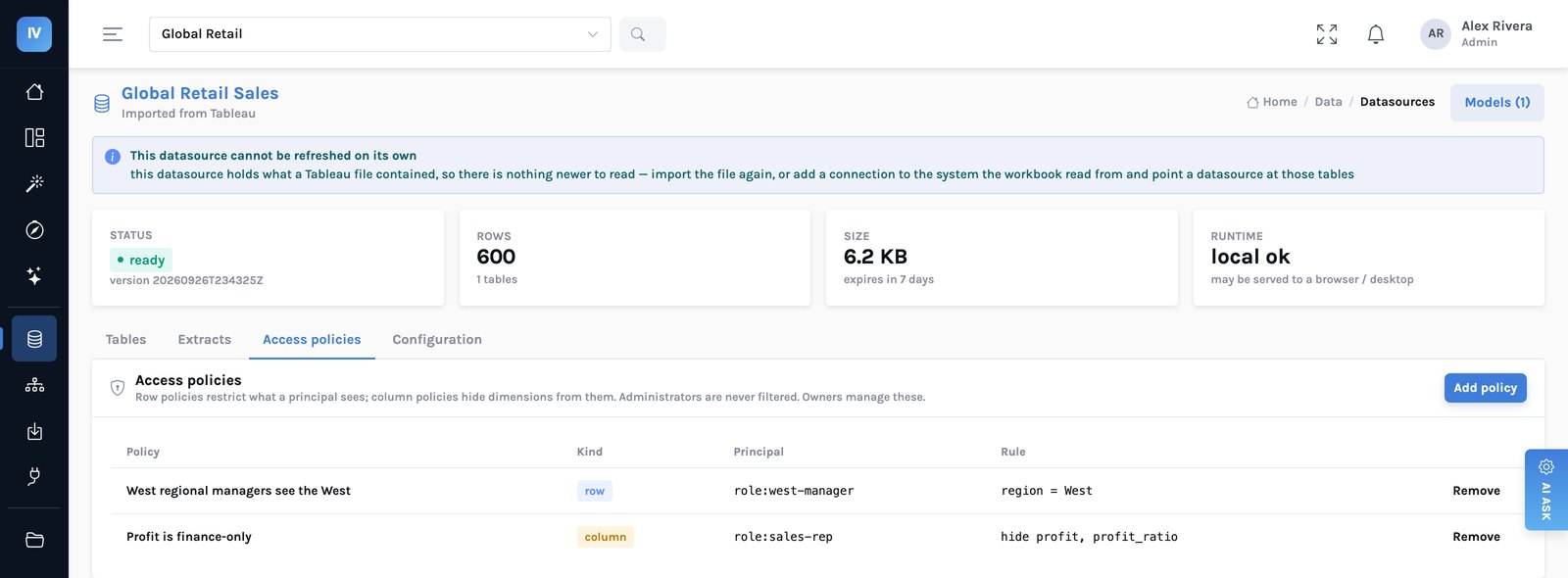
Nadia's 600-to-23 ratio is typical, and it is the reason per-workbook access degrades. Artefacts multiply; data does not.
| What happens | Why it is nobody’s fault | The result |
|---|---|---|
| A workbook is shared to unblock someone | It is Friday and the alternative is a delayed decision. | A grant with no expiry and no record of why |
| The workbook is duplicated | A second team needs a variant. Copying is the fast path. | The permissions copy too, to a different audience |
| Someone changes team | Directory groups change; workbook-level grants do not. | Access that outlives its reason |
| A new dashboard on the same data | Whoever builds it sets permissions from memory. | Two views of one dataset, two rules |
| An audit asks who could see X | The answer is spread across every artefact touching that data. | Weeks of archaeology — Nadia’s audit finding |
If your access rules live on dashboards, every new dashboard is a new opportunity to get them wrong — and you will build thousands of dashboards.
flowchart LR
    U1["A dashboard"] --> G
    U2["An exploration"] --> G
    U3["A question in
plain words"] --> G
    U4["A PDF export"] --> G
    U5["An extract
download"] --> G
    G{"One policy gate
row rules + column rules"} --> E["The engine"]
    E --> L["Audit log
answers and refusals"]
    style G fill:#fff4e6,stroke:#f0cb9a
    style U5 fill:#fdecec,stroke:#eab6b6
    style L fill:#eef1ff,stroke:#c7cdf2
2. The surface nobody thinks of
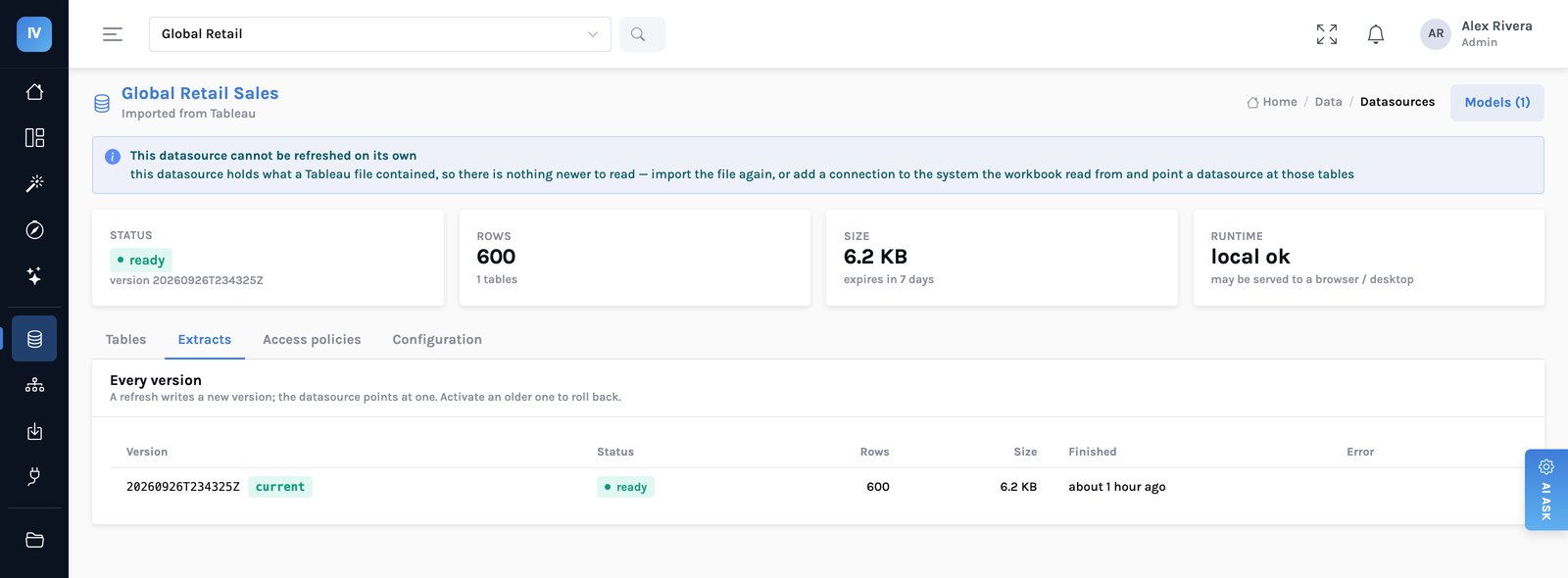
Data can be served to a browser or a desktop runtime so a dashboard runs locally and fast. That is a genuine performance feature and it was also, briefly, a hole: handing someone the underlying files hands them exactly what a row policy withholds.
The fix, and the cost of the fix
The endpoint that serves those files now refuses anyone a row or column policy applies to. If you are restricted, you query through the server, where the restriction lives. That is slower for that person, and it is the only defensible behaviour — a fast path that bypasses a control is not a performance feature, it is the control being optional.
The general lesson: enumerate the surfaces, then test each one with a restricted account. Not read the documentation — test it. Every estate has a fifth route somebody forgot.
3. Two kinds of rule, and the difference matters
Becomes a clause in the query. A restricted person’s totals are genuinely their own subset — not a full figure with rows hidden afterwards, which is a distinction that shows up the moment anyone sums a column.
Removes the dimension from the vocabulary entirely. It cannot be charted, filtered on, exported, or asked about. There is no query to construct, so there is nothing to work around.
Refusals are the evidence, not the errors
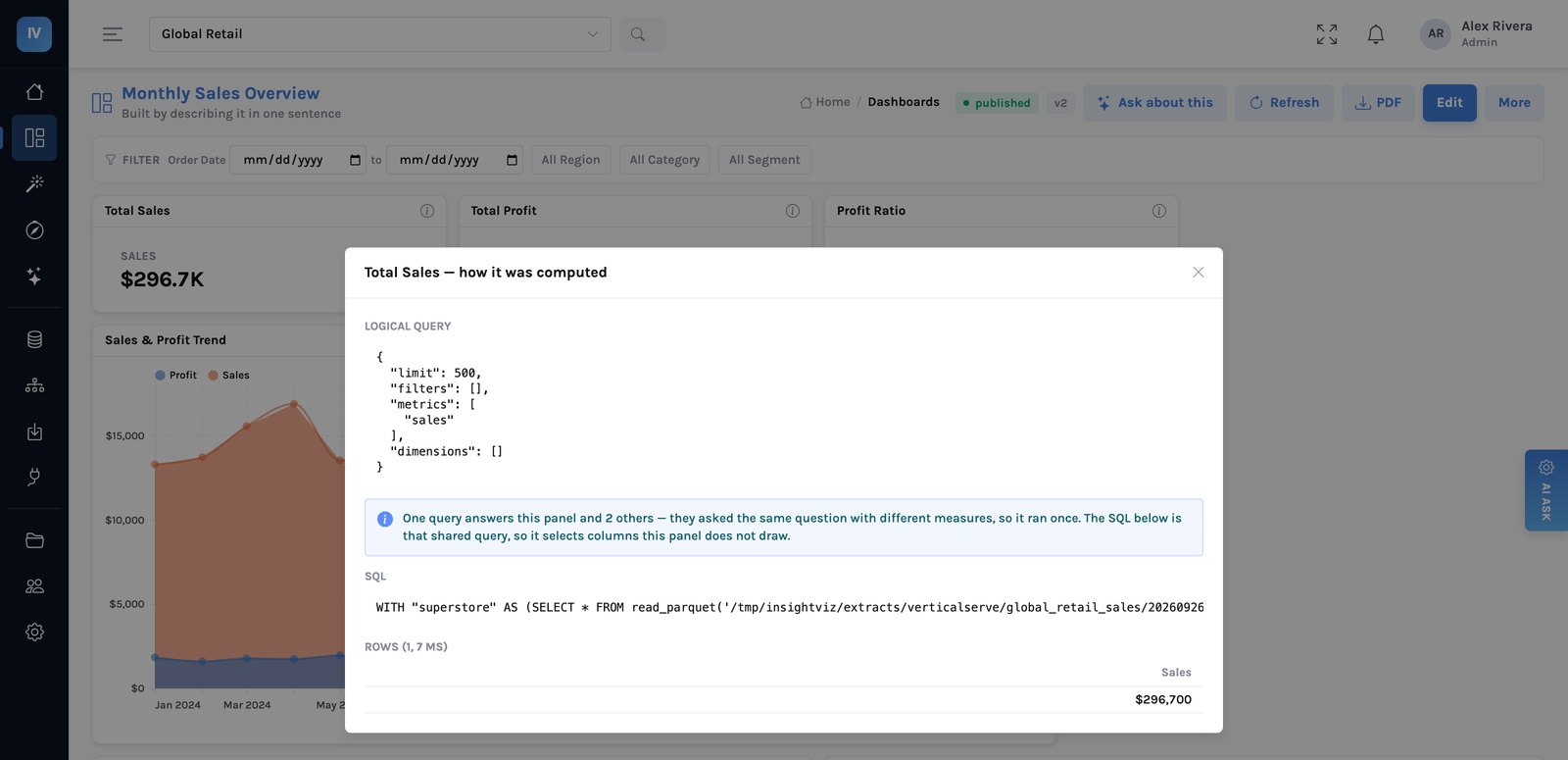
Most audit trails record what people saw. The more useful record is what they were stopped from seeing — that is the proof a control was live rather than merely configured.
Nadia's week-4 activity is the one most stewards skip. Eleven refusals, nine of them her own rules being too broad. Reading that log converted a theoretical policy into a working one, and it is the only way to find out that a rule is blocking legitimate work before the people affected route around it.
Workspaces are not entitlement
A workspace is the unit of sharing — who can change what, as owner, editor or viewer. It does not answer which rows someone sees.
Conflating the two is the most common design error and it produces the complaint “they are in the right group but still see everything”. Workspace membership is collaboration; row and column rules are entitlement. An editor can still be restricted to their own region.
A realistic first month, generalised
| Week | Do this | Expect to find |
|---|---|---|
| 1 | Inventory datasources, not dashboards. Find the ones with no owner. | Far fewer than you feared, and several unowned |
| 2 | Write rules for the genuinely sensitive ones. Leave the rest open. | The sensitive list is shorter than the anxiety suggests |
| 3 | Test every surface with a restricted account — dashboard, Explore, export, assistant, download. | At least one surface you had not thought of |
| 4 | Read the refusal log. Narrow the rules blocking legitimate work. | Your first rules were too broad |
Note week 2. The instinct is to write rules for everything, which produces a system people route around. Most data in most organisations does not need a row policy, and pretending otherwise is how governance loses its credibility in month two.
What this does not give you
- It is only as good as the rules you write. The system applies them everywhere, consistently, and has no opinion on whether they are right. Nadia's first set was not.
- It stops at the datasource boundary. If an upstream pipeline merged two populations that should have stayed apart, no downstream rule un-merges them.
- It does not classify your data. Deciding which fields are sensitive is a business exercise and the slow part of every governance programme.
- An administrator is never filtered. Deliberate — which makes the admin list a control in its own right. Keep it short and review it, because it is the first thing an auditor will ask for.
Provenance as a governance control → · Where the rules are applied →