“We query your warehouse live” sounds better than “we keep a copy”, and for a decade the industry has sold the first. It is worth examining why almost every serious BI deployment ends up with an extract anyway, usually after trying it the other way.
What actually happens without a copy
Reporting load lands on the system that earns money, at the worst possible times — Monday morning, month end, the hour before the board meeting. Three consequences, all predictable:
| Consequence | How it shows up | The usual workaround |
|---|---|---|
| Reporting competes with production | Dashboard queries queue behind loads and transformations, or worse, in front of them. | A read replica — which is a copy, with extra steps |
| Cost scales with readers | Per-byte or per-slot warehouse billing turns each dashboard open into a charge, repeated for identical questions. | Rationing who can open dashboards |
| Someone else’s outage is your outage | The warehouse is down for maintenance; every dashboard in the company is blank. | Explaining it, repeatedly |
Almost every organisation that runs BI live against its warehouse eventually builds a read replica or a reporting schema. That is an extract. The question was never whether to copy — only whether the copying is a product feature or a project.
What a governed copy is
Not a cache and not a backup. A deliberate, versioned, aggregated copy in your cloud storage, in an open format.
| Property | What it means | Why it matters |
|---|---|---|
| Parquet, in your bucket | Columnar files on S3, GCS or Azure Blob, in your own account. | Remove the product and every file is still readable |
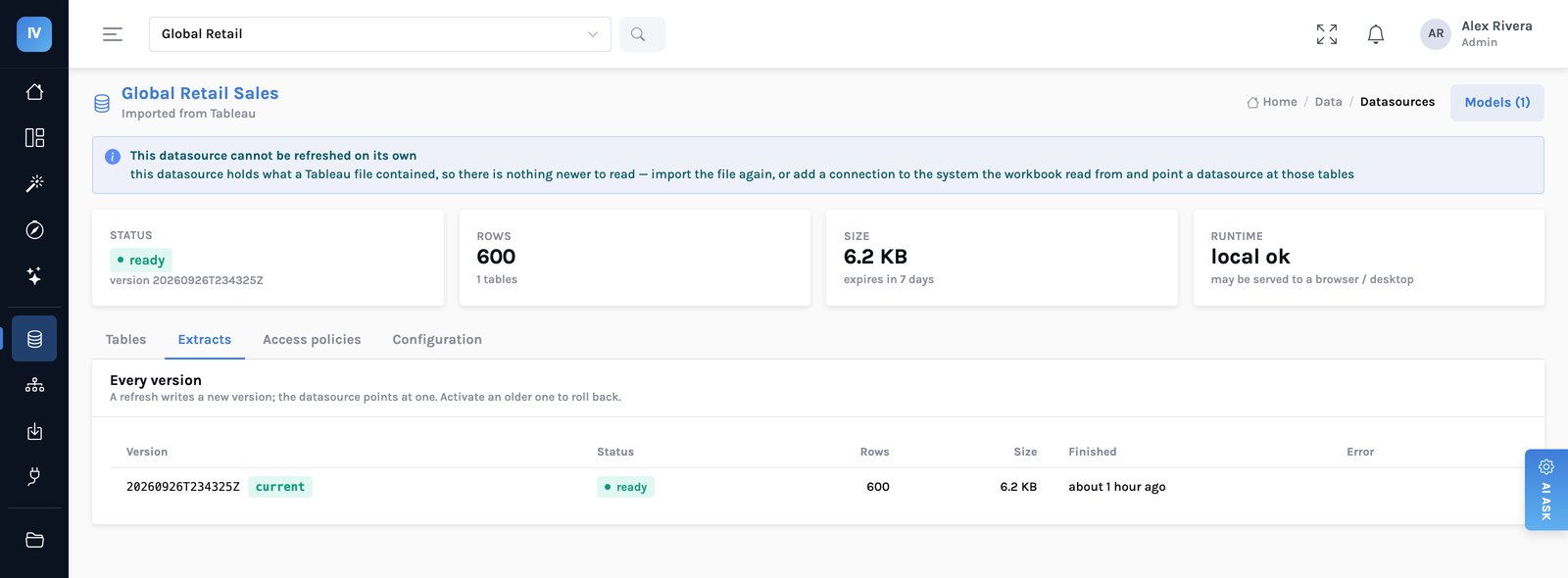
| Versioned by refresh | Each refresh writes a new prefix; the previous one stays until a lifecycle rule expires it. | A bad refresh is a rollback, not an incident |
| Aggregated to the grain you need | The extract is the shape the dashboards ask for, not a verbatim copy of a fact table. | Megabytes, not terabytes |
| Read by an embedded engine | Columnar reads touch only the columns and row groups a query needs. | Milliseconds, without a cluster |
| Immutable once written | A version never changes. A refresh creates a new one. | A cached result keyed on the version can never be wrong |
Immutability is what makes caching safe
This is the design decision that pays for itself repeatedly. Because a version never changes, a result computed against it is valid for as long as that version exists. The cache key includes the version, so a refresh is the invalidation — there is no cache-busting logic to get wrong.
And it composes with security
The key covers the source version, the SQL and the bound values — and the person’s row and column rules are already inside that SQL. So two people with different access compute different keys. Nobody had to add a check; it falls out of keying on the compiled statement. Why the compilation order matters →
Note the fourth row. It got a live connection because the source happened to be Postgres. Had the same operational data lived in Snowflake or BigQuery, the honest answer would have been a fifteen-minute extract with the cadence stated on the page — not a live connection, because there is no attach path and pretending otherwise would have produced a slow dashboard and a surprised finance team.
flowchart LR
    R["A refresh runs"] --> V["New version
new storage prefix"]
    V --> I["The old version is
untouched, still readable"]
    V --> K["Cache keys include
the version"]
    K --> N["Every stored result for
the old version is now
unreachable, not wrong"]
    I --> RB["A bad refresh
is a rollback"]
    style V fill:#eef1ff,stroke:#c7cdf2
    style N fill:#e6f7f2,stroke:#9fd8c9
    style RB fill:#e6f7f2,stroke:#9fd8c9
The staleness budget
The cost of a copy is that it is as current as its last refresh. That is a real trade and the right way to handle it is to make it explicit rather than to pretend it away.
A staleness budget is a sentence: this dashboard may be up to four hours old. Agreed with the people reading it, set as a refresh schedule, and visible in the product. Most reporting has a budget of hours and nobody has ever written it down.
flowchart LR
    Q["What is this
dashboard for?"] --> A{"Would a number
four hours old
change the decision?"}
    A -->|"No — most reporting"| E["Extract
fast, cheap, no load on source"]
    A -->|"Yes — operational"| L{"Is the source
Postgres, MySQL
or Redshift?"}
    L -->|"Yes"| LV["Live connection
attached read-only"]
    L -->|"No"| F["Extract, refreshed often
and say so on the page"]
    style E fill:#e6f7f2,stroke:#9fd8c9
    style LV fill:#eef1ff,stroke:#c7cdf2
    style F fill:#fff4e6,stroke:#f0cb9a
When to use a live connection
Genuinely operational screens — a queue depth, an order status board, something somebody acts on within minutes. For those, the engine attaches the source read-only and queries it directly, copying nothing and caching nothing, because caching something whose whole point is being current is a wrong answer that looks right.
The constraint is which databases can be attached: PostgreSQL, MySQL and Redshift. Snowflake, BigQuery, Synapse, Azure SQL and Databricks are extract-only. If your operational data is in one of those, the honest answer is a frequent refresh with the cadence stated on the page, not a live connection. What that means per cloud →
Saying so on screen
A stale number that looks current is worse than a blank panel. So a dashboard paints from the last known result while fresh ones are fetched — and says, above the panels, that what is on screen is not yet current, with the time it was computed.
What the copy costs, measured
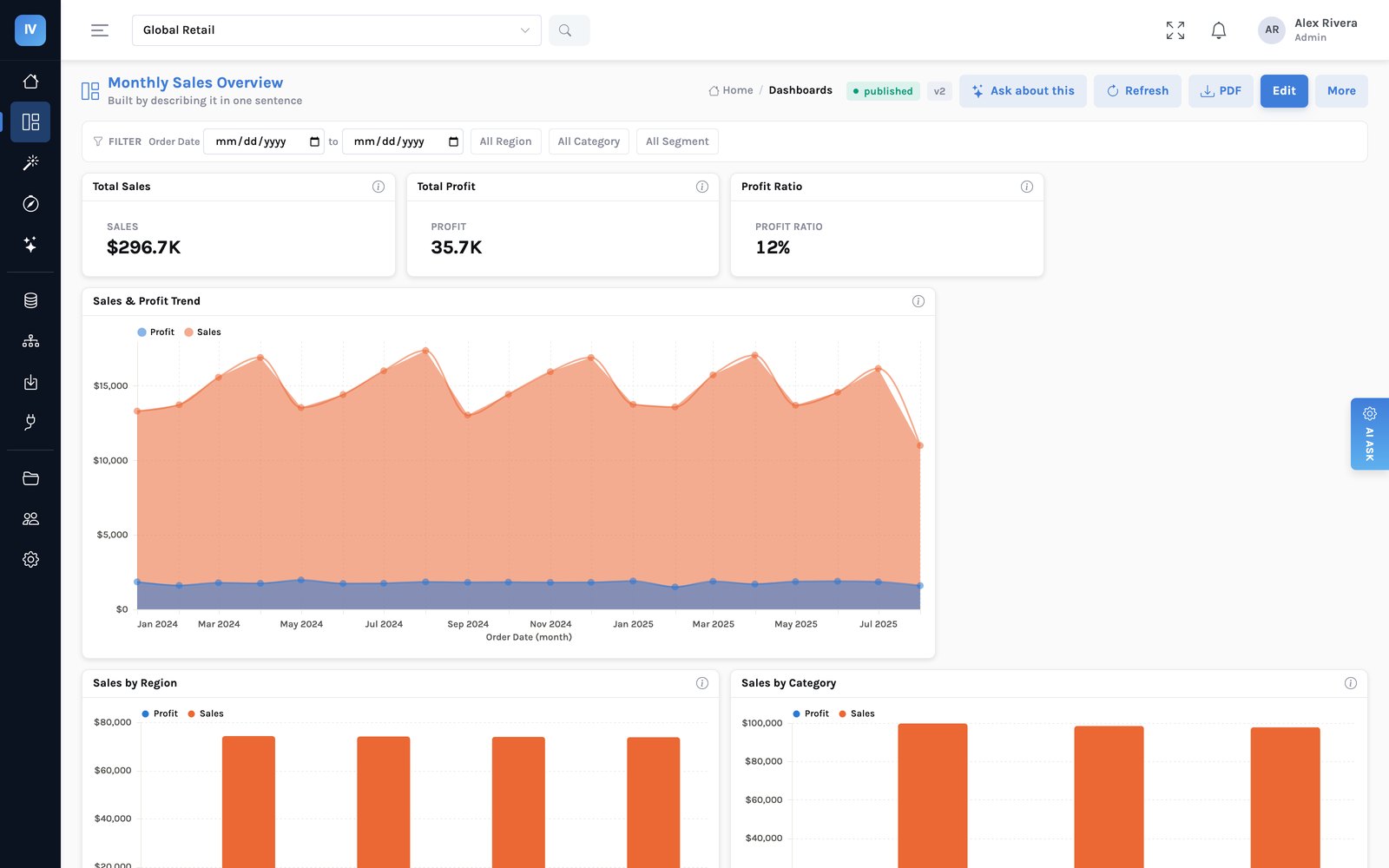
The last figure is the one to take to whoever owns the warehouse bill. After a migration to extracts, warehouse spend usually falls, because the thing that was generating unpredictable interactive load has stopped. Where the time actually goes →
What we have not solved
- Incremental refresh by partition is unfinished. Today a refresh rewrites the extract. For a very large fact table that is the difference between comfortable and painful, and it is the most requested thing on this list.
- An extract is a point in time, not a stream. If you need change data capture semantics, this is the wrong layer and you should land that upstream.
- Someone has to own the cadence. The product will refresh on whatever schedule you set, including a bad one. “Nightly” is a decision, not a default, and the people reading the dashboard should know what it is.
- Live Databricks is not built. It needs a passthrough we have not written.
The question to settle per datasource
Not “live or extract” as an architectural religion. Per datasource: what is the oldest this number can be before a decision made on it would be wrong? Write the answer down, set the schedule to match, and put it where the readers can see it. Almost every disagreement about freshness is really a disagreement that nobody has had out loud.